Top 10 Best Laptops Under $500 – Get the Most Performance for Your Money
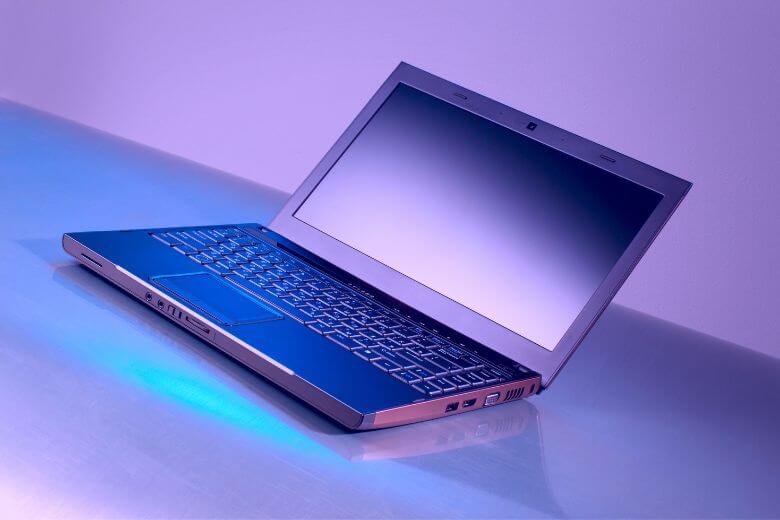
Are you on a tight budget but need a best laptop to handle your everyday computing needs? Don’t worry, you don’t have to break the bank to get a high-performance laptop. We discuss the top 10 best laptops under $500 that deliver great laptop value and performance. We even have gaming laptops under $500. Importance of finding best laptops under $500 A good laptop can make a huge difference in your personal and professional life. For students, it’s a tool to handle research, assignments, and online classes. For remote workers…

Read More

Why I Switched to a Windows Laptop and Here’s Why You Should Too

Starting with pure Basics: One of the most significant differences between a MacBook and a Windows laptop is the operating system. A Mac is an Apple computer running on the Macintosh operating system, while a Windows laptop runs on the Microsoft Windows operating system. Mac vs Windows Laptop - What’s the Difference? The Mac vs Windows debate has been going on for a long time. It is not about which OS is better, but which laptop is better. This article will help you decide which one is the best for…

Read More

What Are Some Essentials for New MacBook Users

As a new MacBook owner, you are probably eager to learn everything there is to know about your device and master it.

Some aspects are pretty obvious and should not take too long to figure out, even if you are not the most tech-savvy person. On the other hand, certain features require more attention. If you are uncertain where to start, take a look at the essentials list below and focus on them.

Read More

Solve Problems with Safari on a MacBook

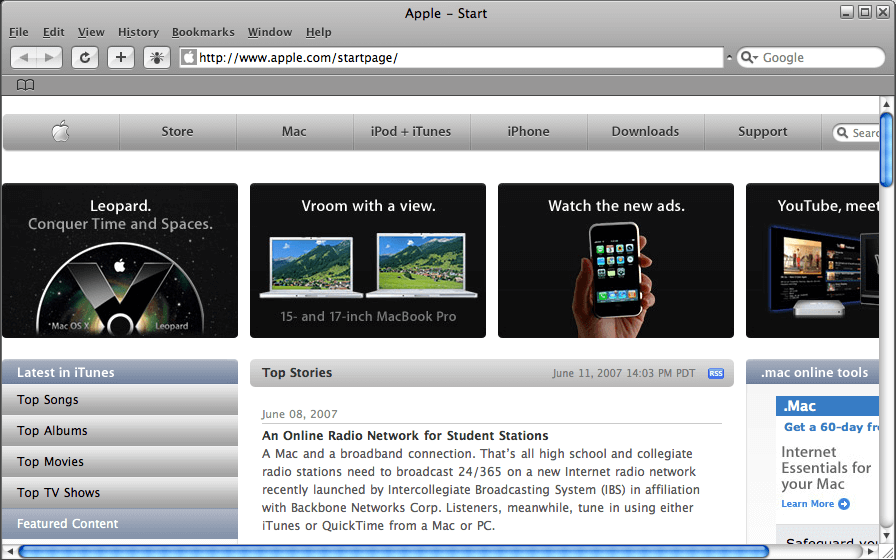
Search engines play a big part in most online activities. You may need to research for school, check emails, and share documents. With a Macbook, users depend on Safari to get them to the right websites. Internet connections depend on both your computer and network to function. Most times, restoring Safari can become  If problems with Safari halt your workday, try the following solutions to get back on track.  Close Tabs and Restart Many people leave tabs open for several days in a row, especially when working on lengthy projects.…

Read More

Discovering the Apple M1 chip

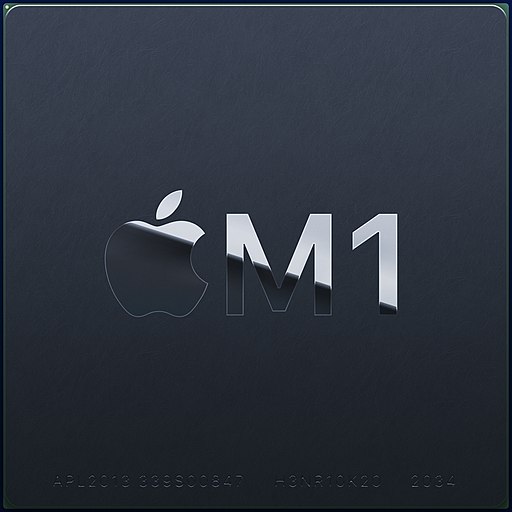
Since the computers have made its way to the masses, intel has been the leading and only brand in its category for providing the brains for these machines. Its dominance was unparalleled and unmatchable. It crushed the sales figure. Breaking its own sales record year after a year. The introduction of multi-core and hyper-threading changed the game for intel. Later some other brands came along and tried to catch up, still to date, that effort is being made by various other brands. To name a few, AMD, QUALCOMM, and different…

Read More

Analyzing Apple’s discontinued intel based MacBooks

Apple is one of the leading brands in the tech world. With its upmarket and posh line up of amazing products, the hefty price tag, and the blazing performance, it is very obvious that the bar of hope is set very high for any upcoming product by the brand. Yet such tech giants, based their own research, don’t cater to the demands of consumers. Thereby discontinue a certain product in an awkward way. Apple MacBook, launched in 2015 has been a similar case, we shall discuss in detail how this…

Read More

Top Best Laptops for Computer Science Students in 2020

If you’ve chosen to pursue your future tech career with a degree in computer science, you’ve made an awesome choice. The tech industry is booming, and along with fantastic rates of pay for entry-level developers and programmers, the rapid growth of technology these days means that you’re never going to be out of a job, whether you want to help an innovative tech start-up get off the ground, work for a big name like Google or Facebook, or develop your own tech solution and make millions as a tech entrepreneur.…

Read More

Transform Any Mac, Macbook to Retina Display

Retina Macbooks have been around for some while and sure they look fabulous. The Macbook Pro 13″ , 15″ Retina displays have HiDPI resolutions. i.e High-Density Pixels per inch or in layman terms more dots per square inch, making the display looks sharper and way more readable than anything else. Retina displays are now everywhere: iPad, iPhone, Nexus 10, Macbook Pro 15, 13 and so on. but If you’ve a Non-Retina Macbook Pro, don’t feel bad. You can achieve HiDPI on your standard Macbook, with a little trick. Of course,…

Read More

Next Generation Macbook Pro Specs, Features

Apple is announcing new stuff at WWDC 2012 with MacBook Airs and MacBook Pros. The most exciting and noteworthy is of course the Next Generation Macbook Pro, which features a Gorgeous Retina display with a 2880 x 1800 resolution (or 220ppi) which is in technical terms 4K resolution display, first time ever on a notebook. NG Macbook Pro is amazingly thin at 0.71-inch and weighs 4.46 pounds. The display also has higher contrast ratios, better viewing angles and reduced glare compared to other laptop displays, and it’s updated all of…

Read More

Hack Macbook using Battery

Charlie Miller, the famous Apple security researcher has found another flaw with macbooks. The latest hack is very interesting as he had made it possible to hack MacBook using the battery, alone. Modern Laptop battery contains its own monitoring circuit which reports the status of the battery to the OS. The circuit is also responsible for preventing battery from overcharging, this comes handy when the laptop is switched off. The scurity researcher has discovered that the batteries on Macbooks are shipped with the default password on the micro-controller. It can…

Read More

Custom Multitouch Gestures on MacBook Trackpad

Macbook Trackpad features a number of Multitouch features which makes doing a lot of stuff handy. However, by default, there is no support for assigning a custom gesture to Trackpads. MagicPrefs lets you create custom gestures as well as override existing ones to add new Multitouch gestures to your Macbook trackpad or Mac Pro trackpad. The custom Multitouch gestures hence added are powerful and precise that make the experience nuisance-free. MagicPrefs can take upto five fingers and support all types of taps, clicks, touches, swiping, rotating, and pinching actions. You…

Read More

Prevent Mac, Macbook from Dimming, Sleeping [when closed]

Does automatic screen dimming & sleep modes trouble you on your Mac, Macbook? Its actually easy to control the behavior of your screen, going beyond the system preferences that let your control display settings under the “Energy saver” category. Using this tutorial, you would be able to: Prevent Macbook from Sleeping when Lid is Closed Prevent Mac, Macbook from Sleeping Prevent Macbook screen dimming While watching videos on the Internet or reading a PDF, it’s very annoying to have your Mac automatically dim the screen. You can always change the…

Read More

Apple Patents Fanless Notebook Cooling for MacBook

Apple files 100s of patents each year, but most of them never appear in the consumer devices. But 4 recent patents are relate closely to macbook cooling technology which could appear in the devices sometime soon. The new patents, over the last week, deal with cooling and heat control in laptops. Heat dissipation has always been a big challenge for both chip and Laptop/notebook manufacturers. Out of the 4, the most important patent application describes a “solid state cooling system” that uses - instead of fans or conductive materials -…

Read More

Macbook Trackpad as Tablet [Tricks]

This hack may not be everything that could replace a Tablet but sure is quiet near to be one and more evidently, fun. You can use your Macbook TrackPad an use it as Touch panel that acts like a Tablet. As a result, you can draw sketch and Scribble your Masterpieces in Apps like Photoshop. The app costs $25, free to try, needs Macbook with Snow Leopard. Though you can use fingers for the gestures, drawing and sketching works best with Inklet stylus. The gestures are all similar, not at…

Read More

Cheap MacBook Air look-alike Alternative - iiView Netbook

Every one loves the sleek and sexy look of MacBook Air - The Tempting Design. But can everyone afford a shiny notebook that starts from $1500 ? Answer is NO. That’s why, here is an alternative for you, which ofcourse doesn’t match Hardware configuration of Air, but somehow manages to live upto the expectations of design. iiView, a Singapore based manufacturer, comes with something that can replace Air, atleast design wise. iiView is actually a Intel Atom Based Netbook. Cyril Alonzo, CEO of iiView, said that instead of making just another Netbook…

Read More